
Checklists are grouped by "jobs". Each job contains a list of folders to be checked.
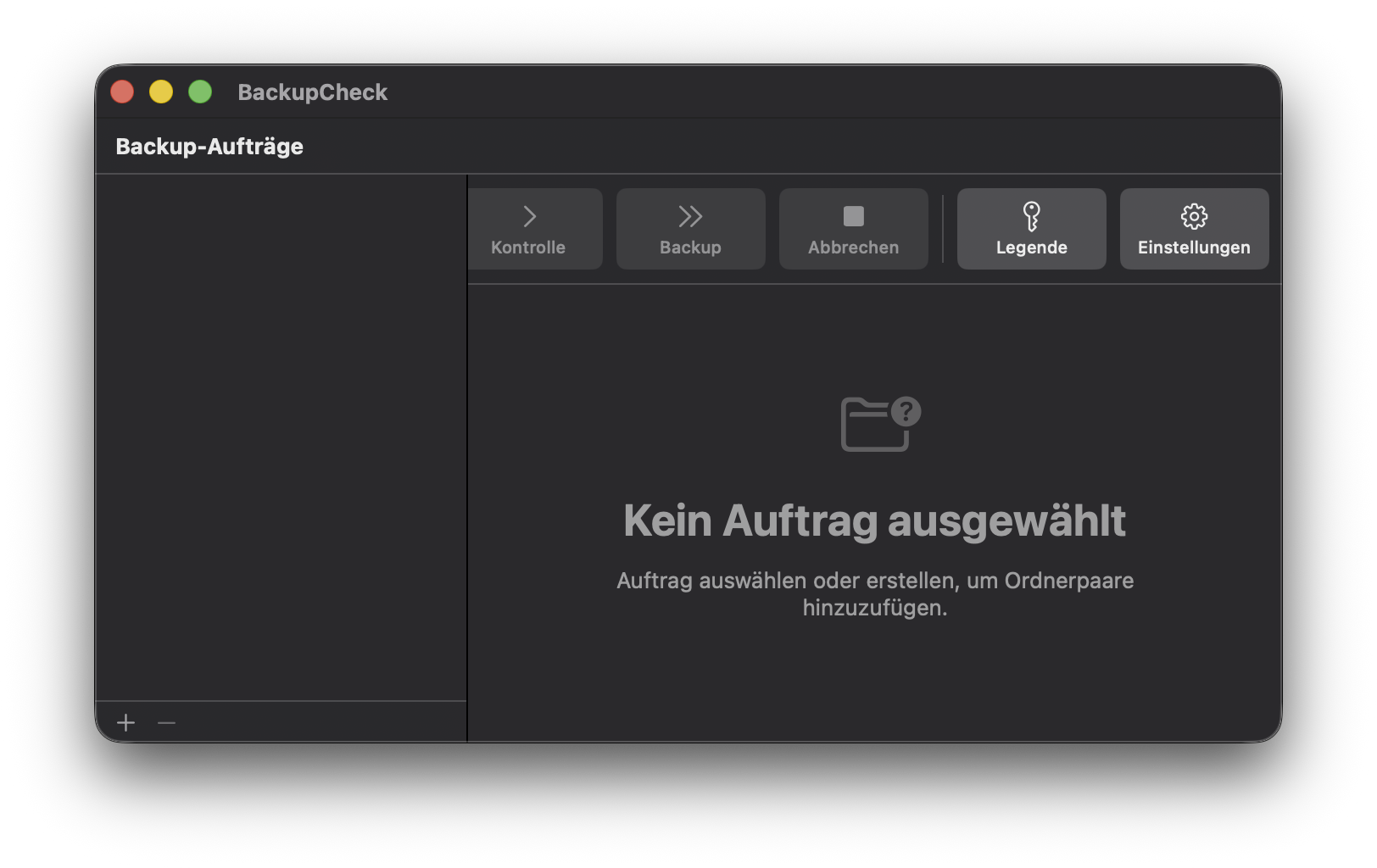
Click on the + sign to add a new job to the list. Once created you may change its name by double-clicking on it.
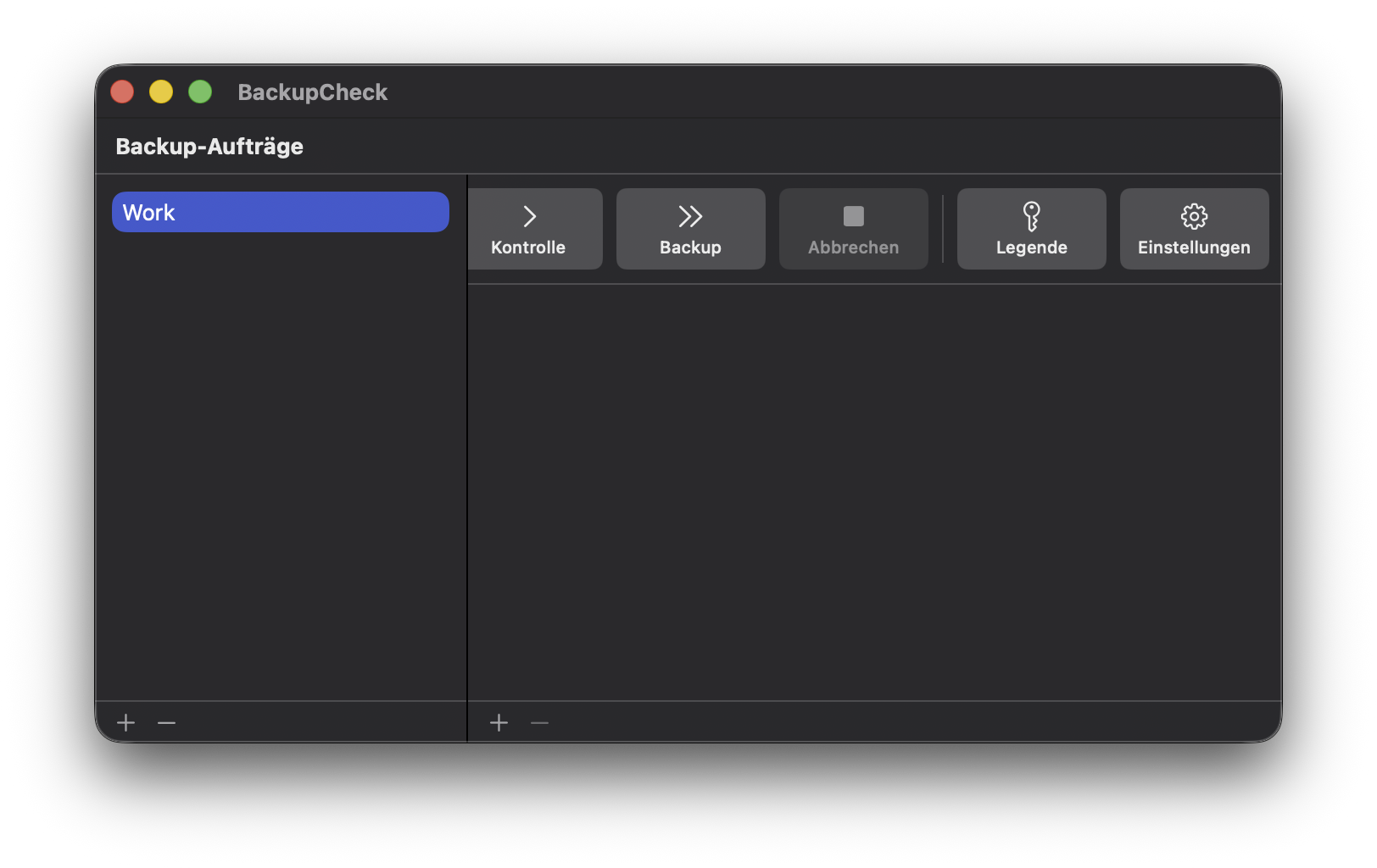
Click on the + sign to add a new pair of folders to the job. The folder pair is added to the job currently selected in the left pane. A job can contain as many folder pairs as you want.
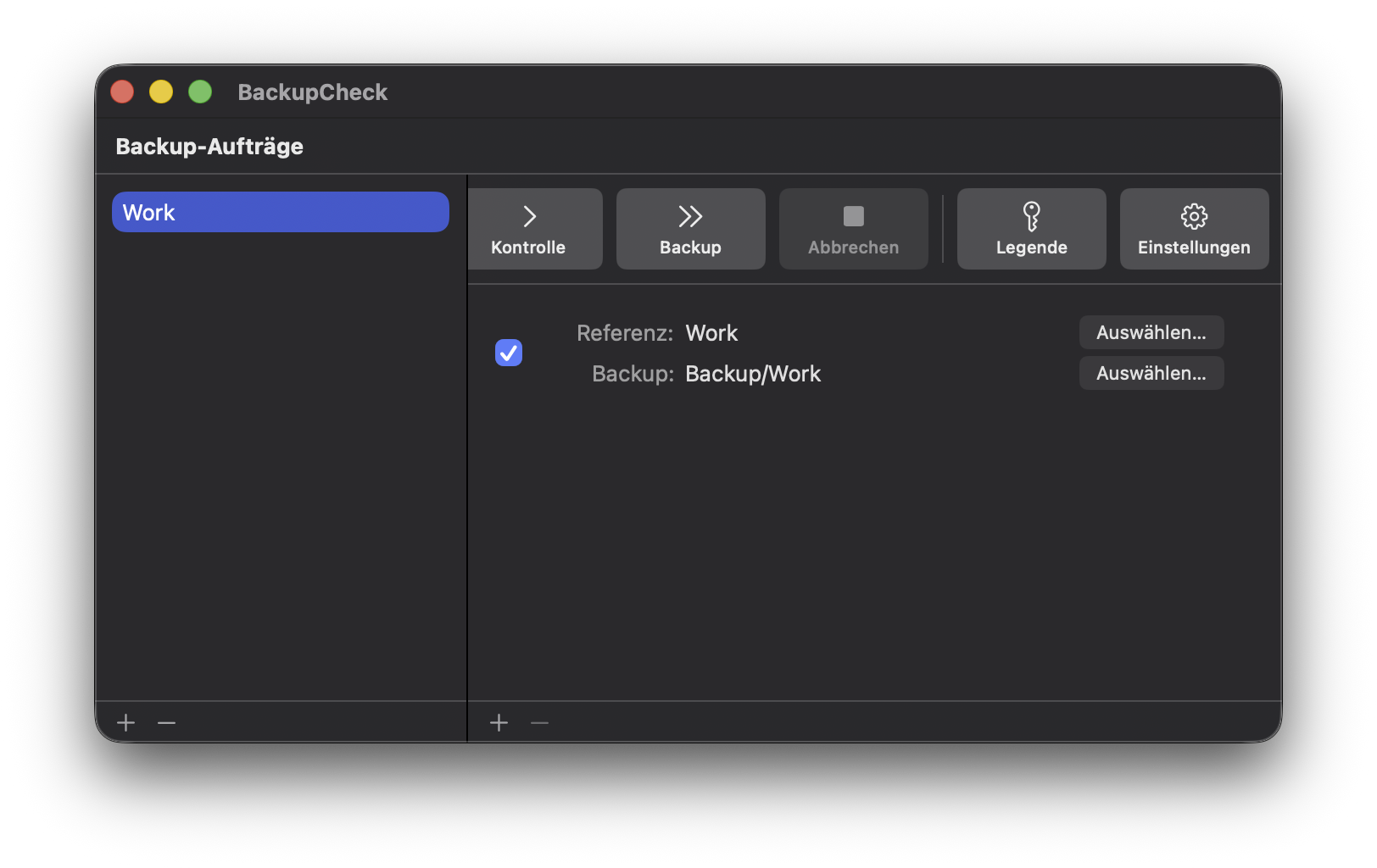
Browse to select the reference and the backup folders. The reference is the folder you want to be checked. The backup is the location of where the backup file should reside.
Ensure the toggle is on so that folder pair is active during check and backup operations.
 Next perform the check »