
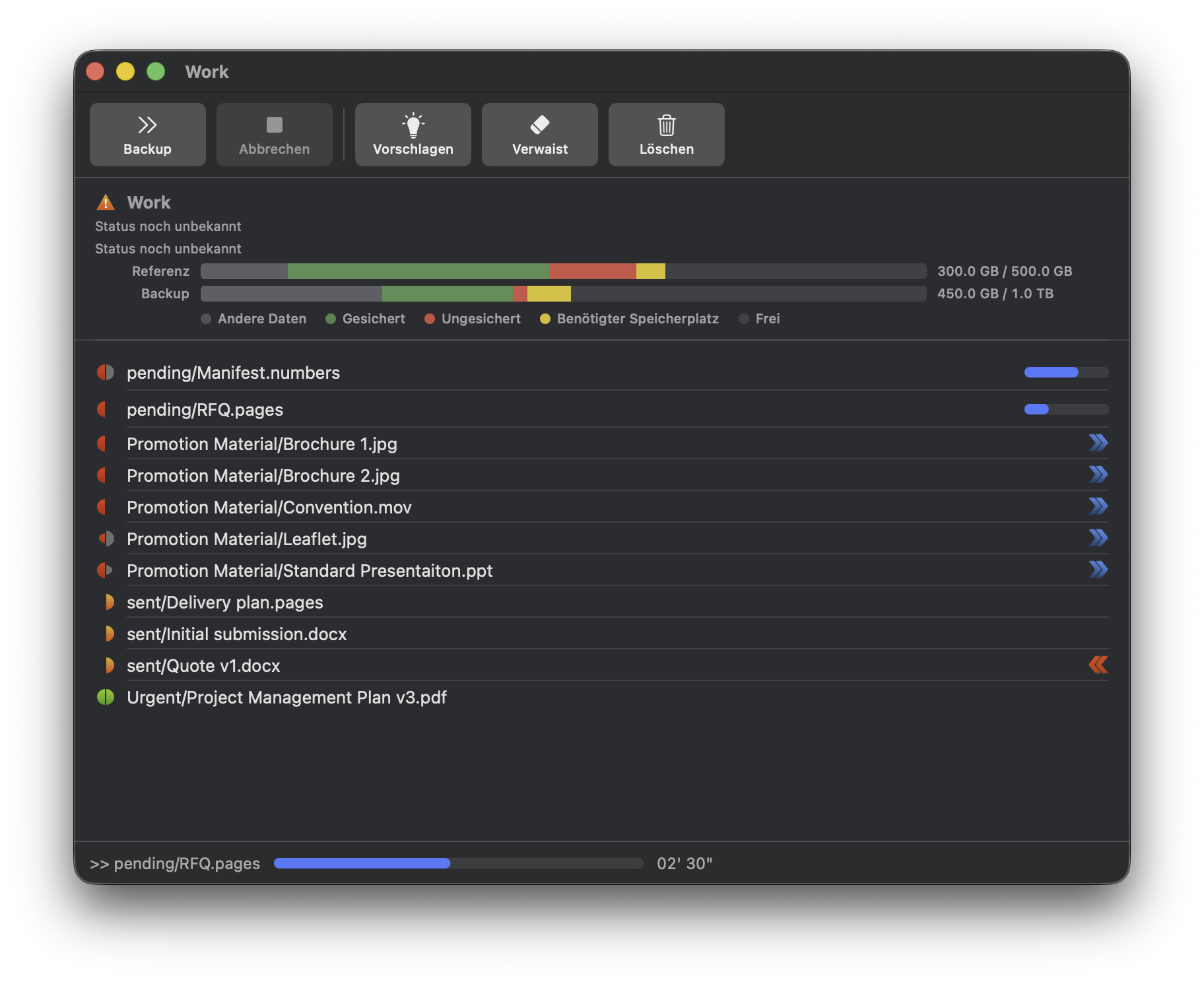
Given the comparison results, actions can be taken to ensure proper files are backed up.
As you would do manually, each file is treated individually.
By selecting a file and right clicking, a context menu is displayed with potential actions.
 |
Backup |
| Do nothing | |
 |
Restore |
 |
Delete the reference file |
 |
Delete the backup file |
By clicking one of the icons on the toolbar, actions can be globally reset.
 |
Reset all to recommended actions. |
 |
Set actions to delete the backup-only files (orphans). |
 |
Clear all actions. |
 |
Launches the backup actions. |
 Further settings »