
Checking your backups with BackupCheck is trivial.
On its first use, BackupCheck will guide you through 6 easy steps.
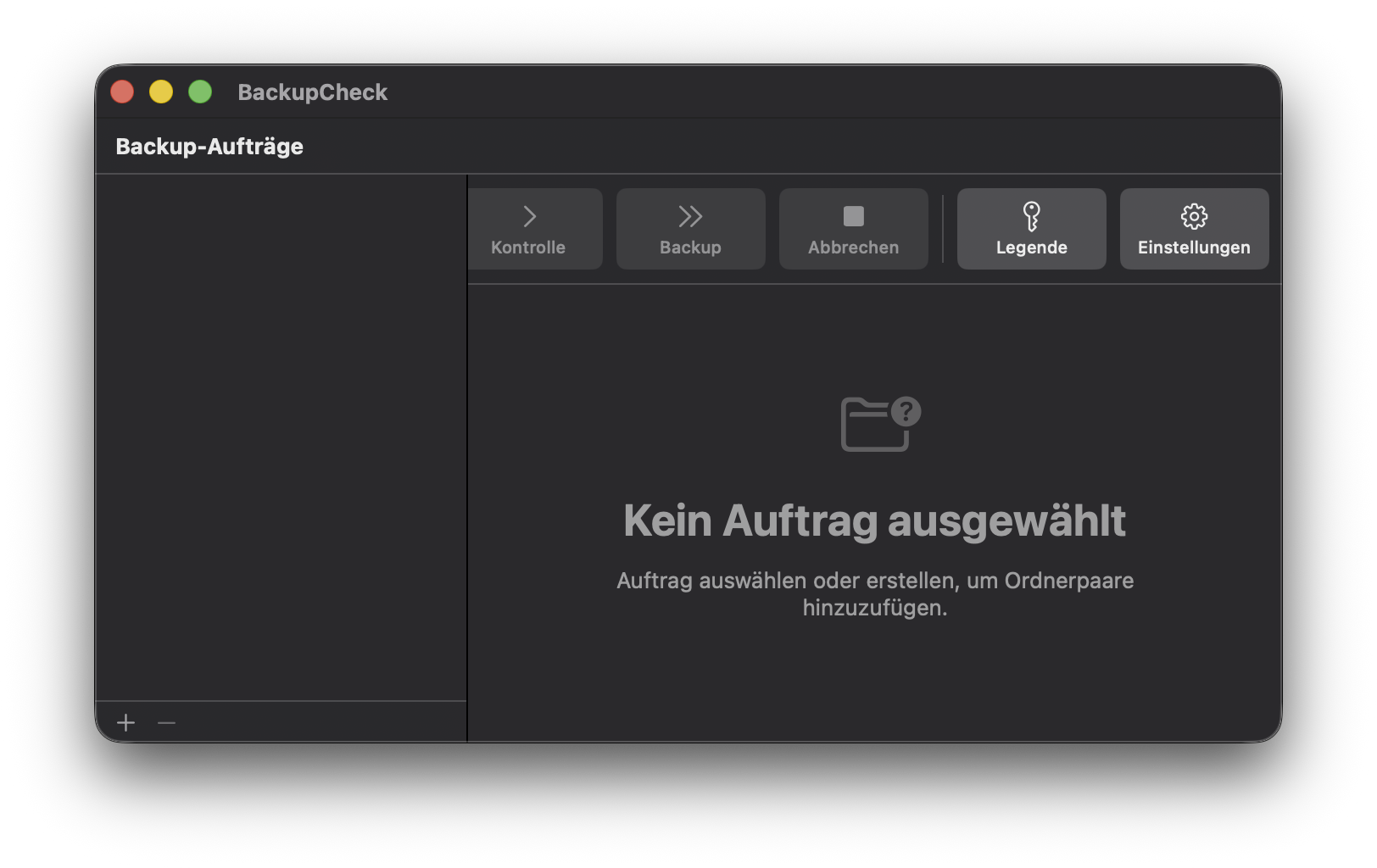
Define the folders that need to be checked as well as the folders that hold the backups. Sets of folders are grouped into check jobs that can be launched independently.
Perform the actual check. A file is displayed along with recommended actions to ensure proper backup.
On individual or group of files, actions can be set, such as 'backup' or 'delete'. Then the set actions can be executed.
Some further settings are available to configure BackupCheck. This includes default recommended actions and filename exclusions.
To reset the configuration and remove any previous settings, hold the Option key when launching the application.
 the checklist »
 backup status »
 to launch a backup »
 for more options »