
The check consists in comparing each files of the folders pair (reference and backup folders) of the currently selected job.
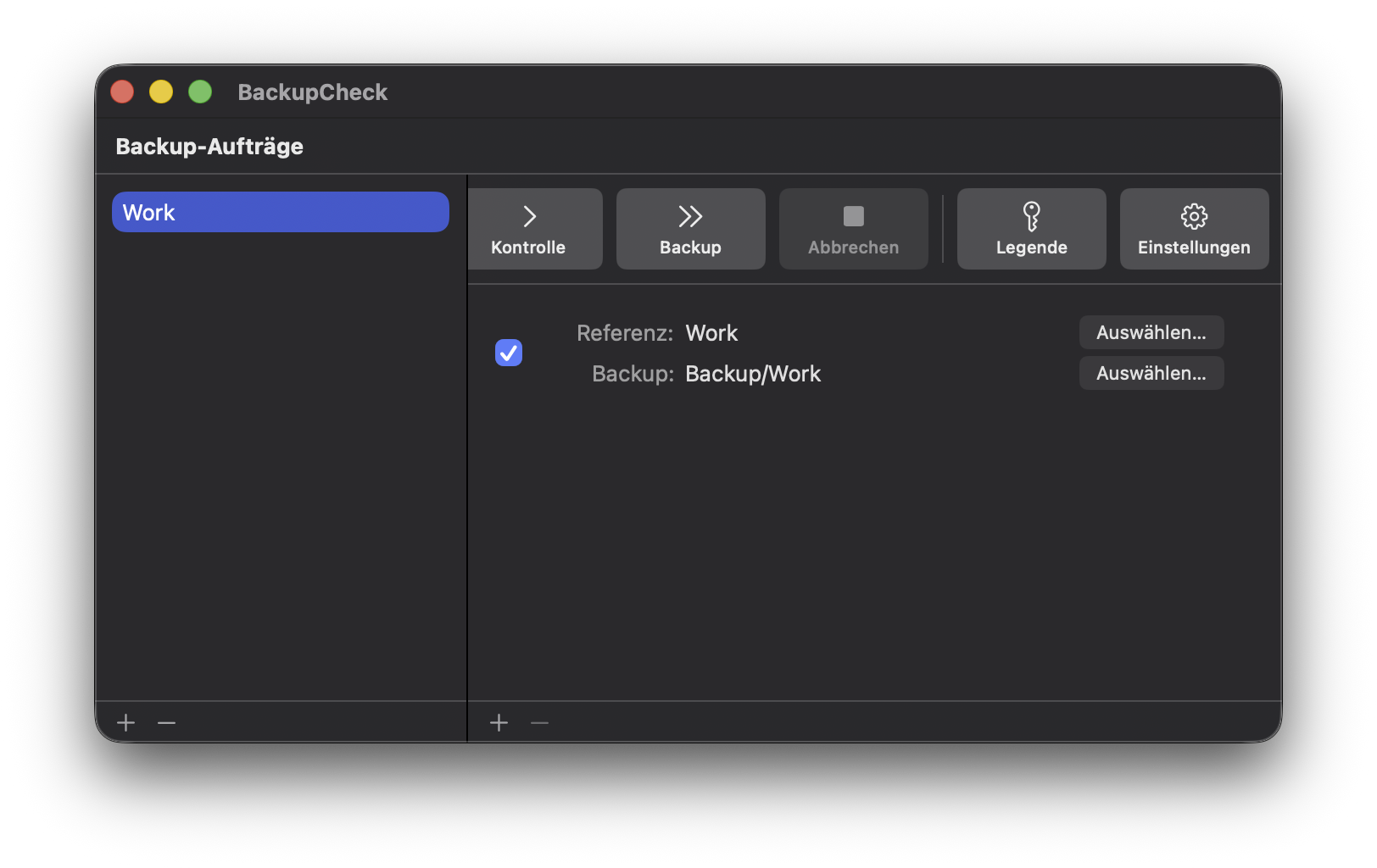
Click on the single arrow > button to launch the comparison. Upon completion, a new window opens.
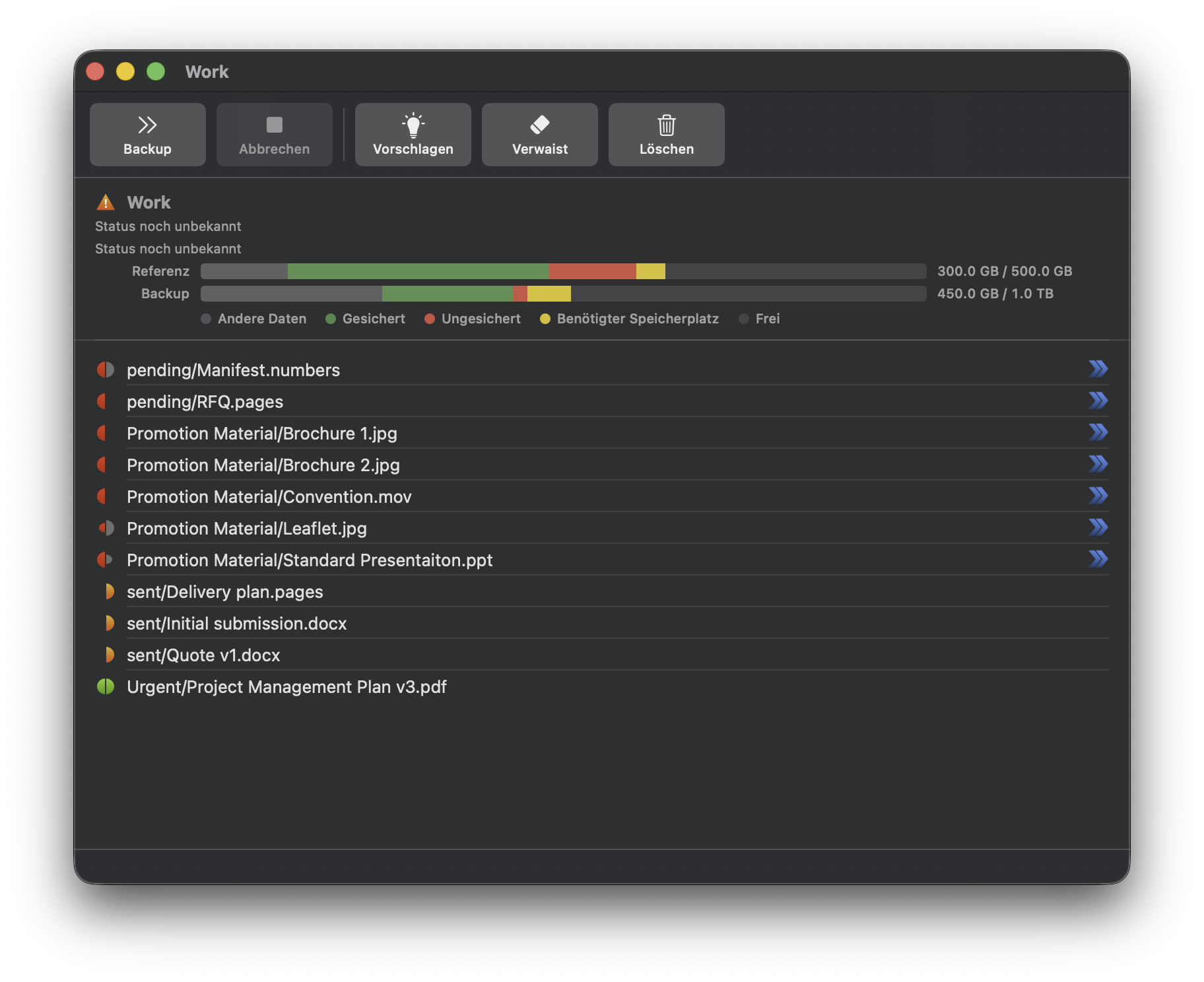
Results are grouped by folders. For each file, an indicator on the left provides a comparison status.
 |
Files are identical |
 |
The backup file is newer than the reference |
 |
The file exists only in the backup folder |
 |
There is no matching backup file |
 |
The reference file is newer than the backup |
 |
The backup and the reference files have different sizes |
 |
The backup and the reference files have different content |
The recommended action per file is indicated where relevant on the right hand size.
 Next perform the selected actions »